
Have a calendar or diary already?
Start with the digital twin
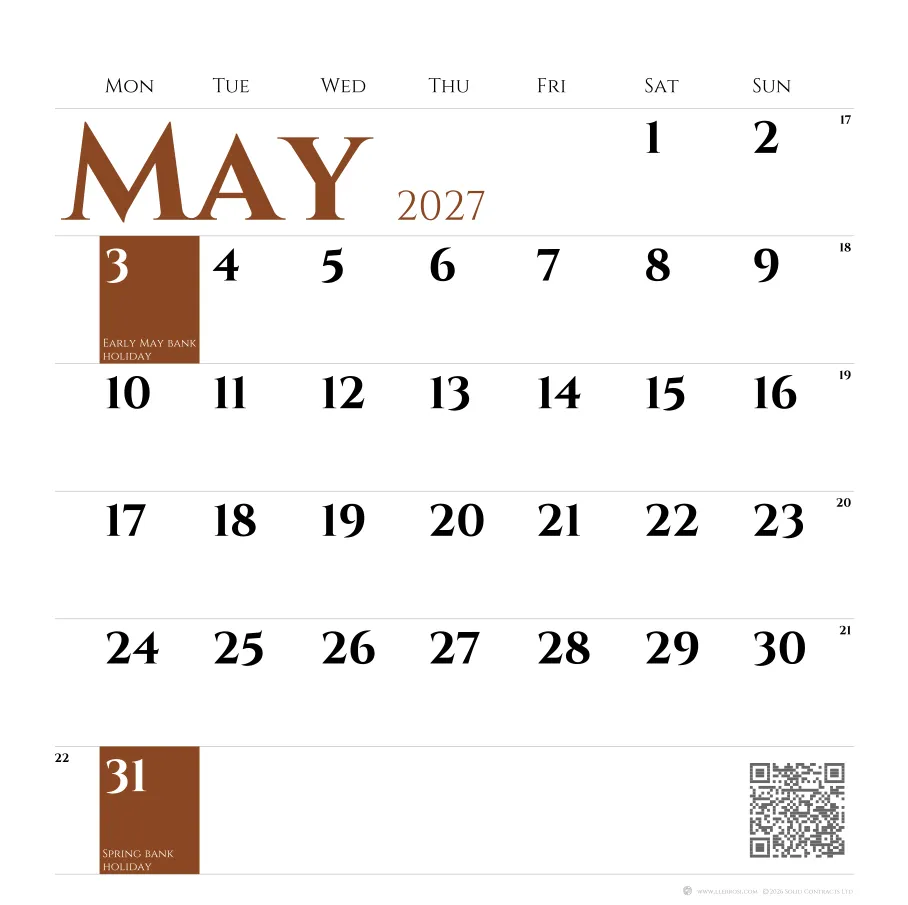
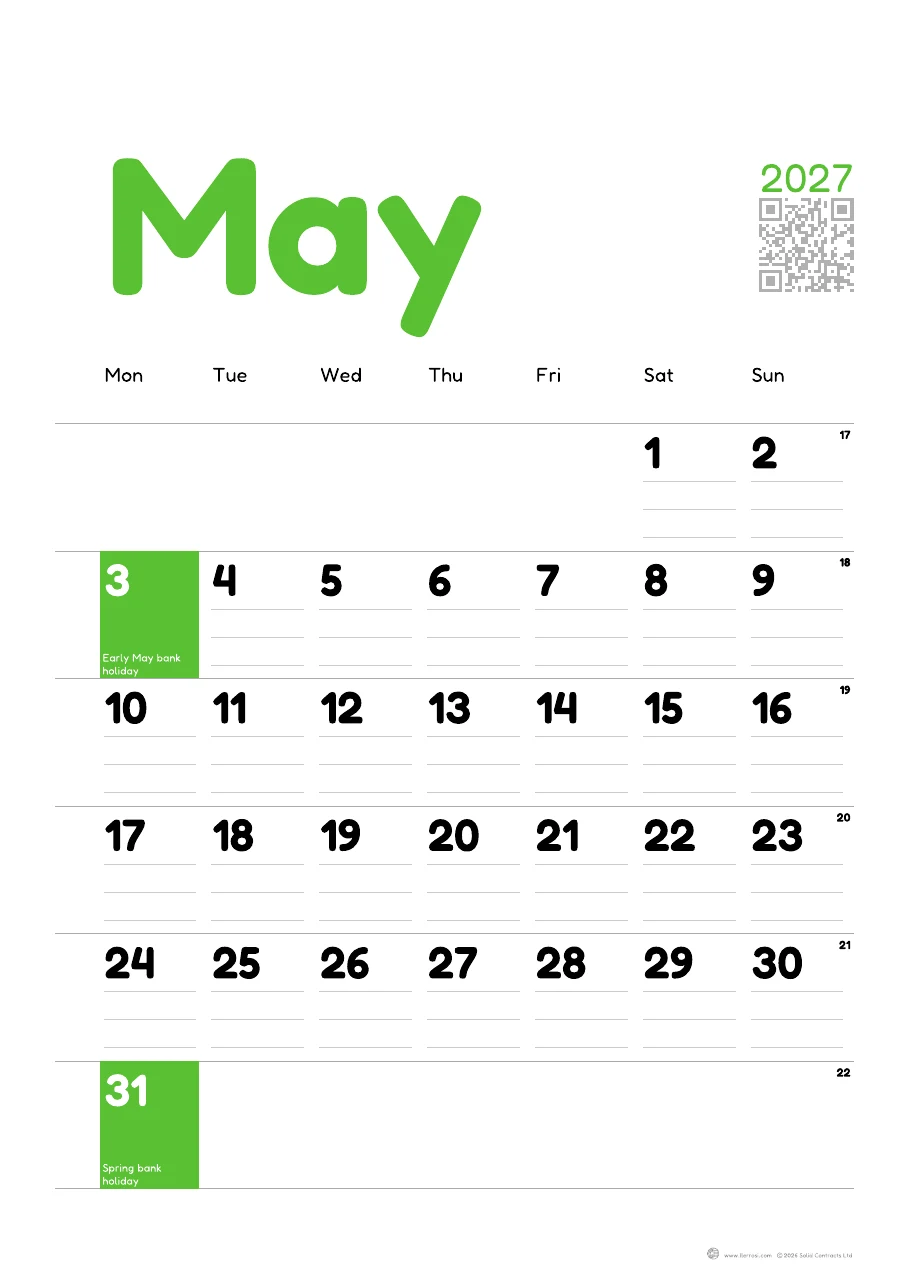
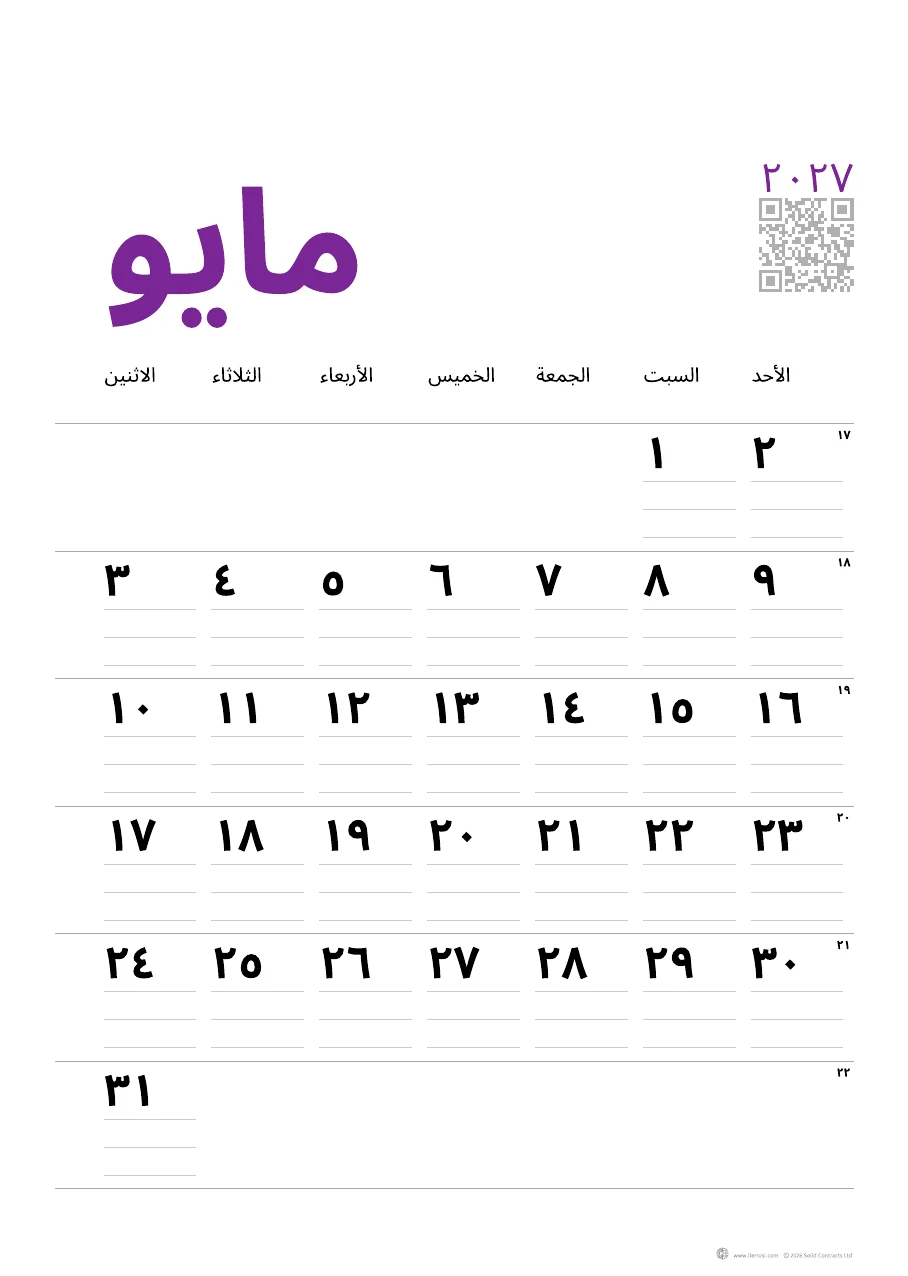
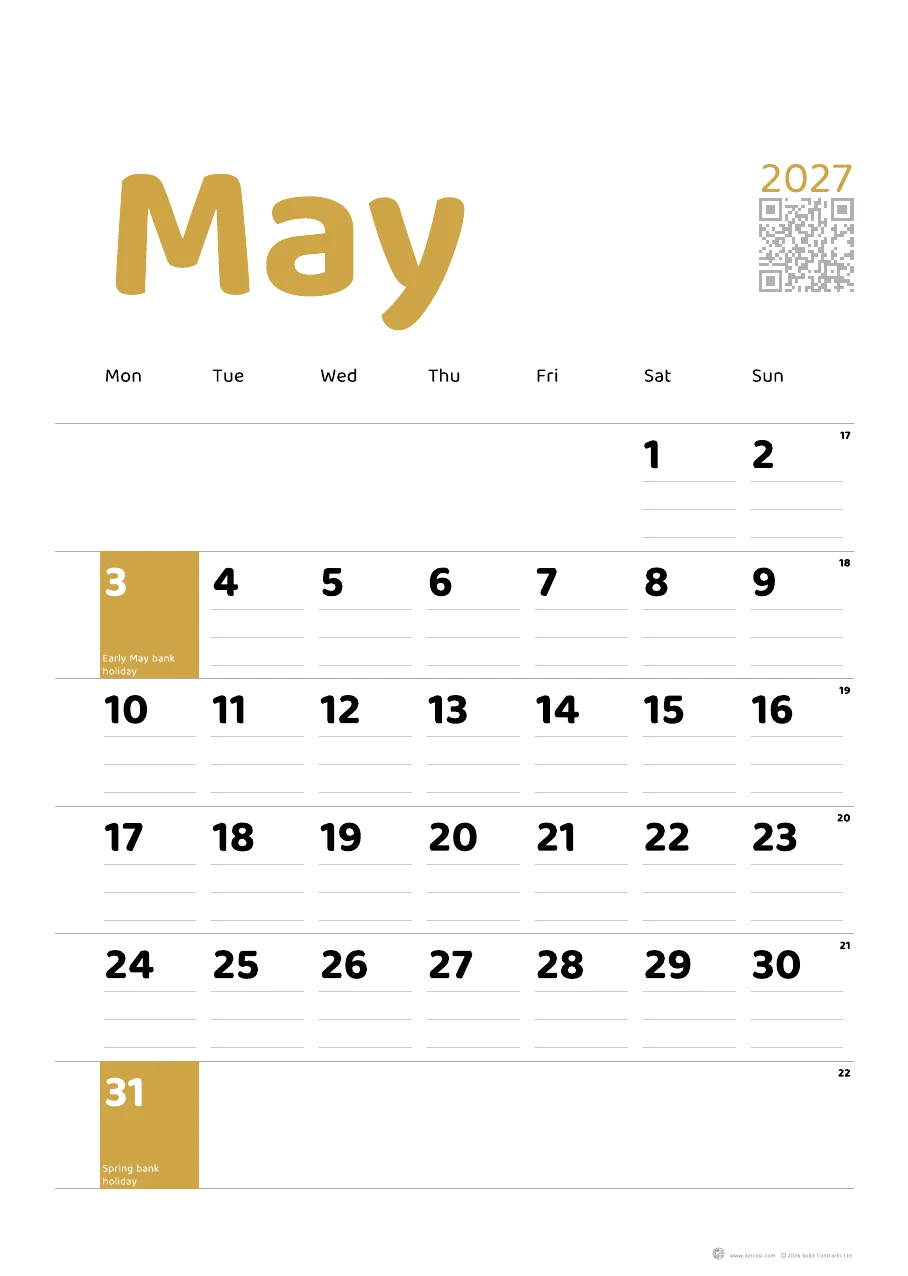
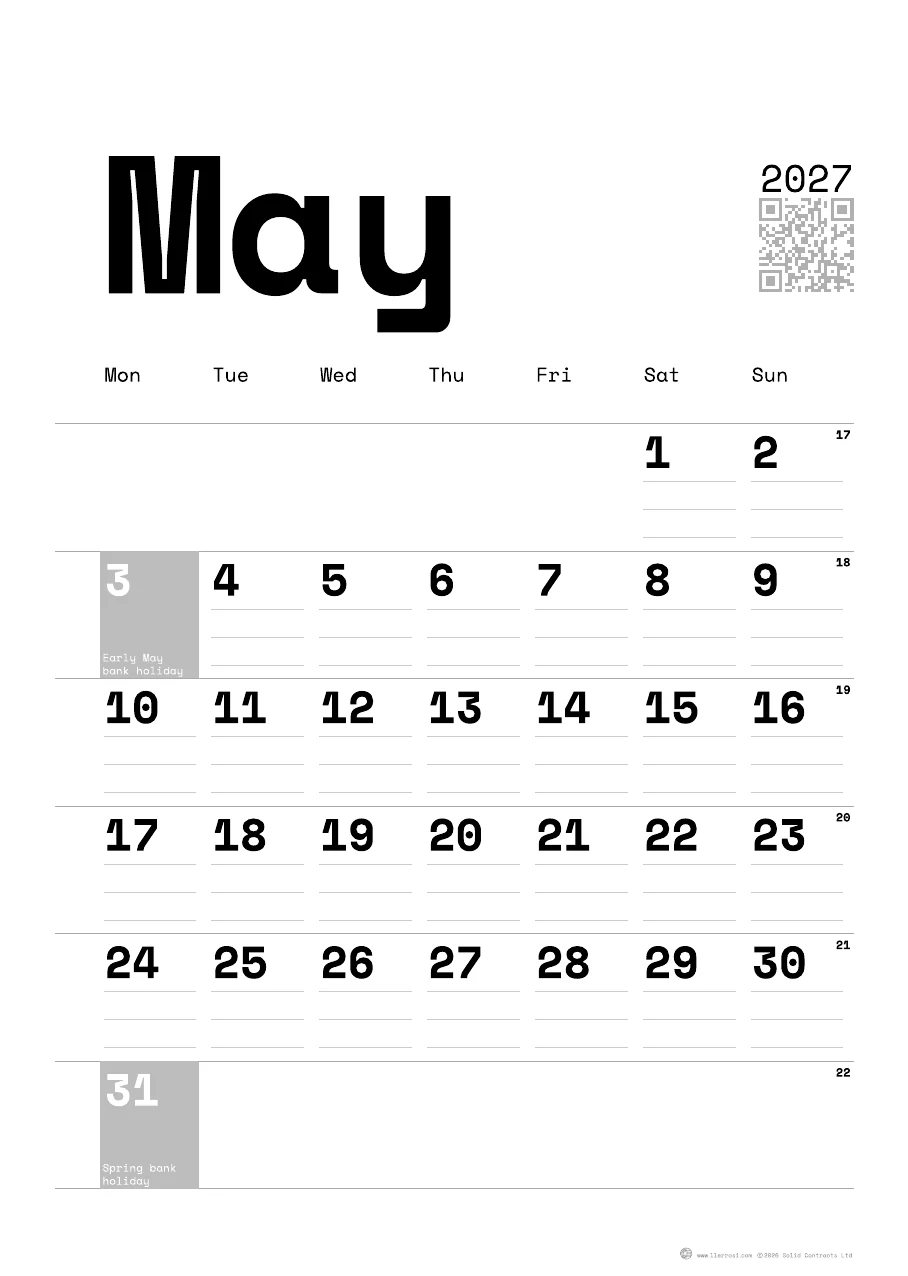
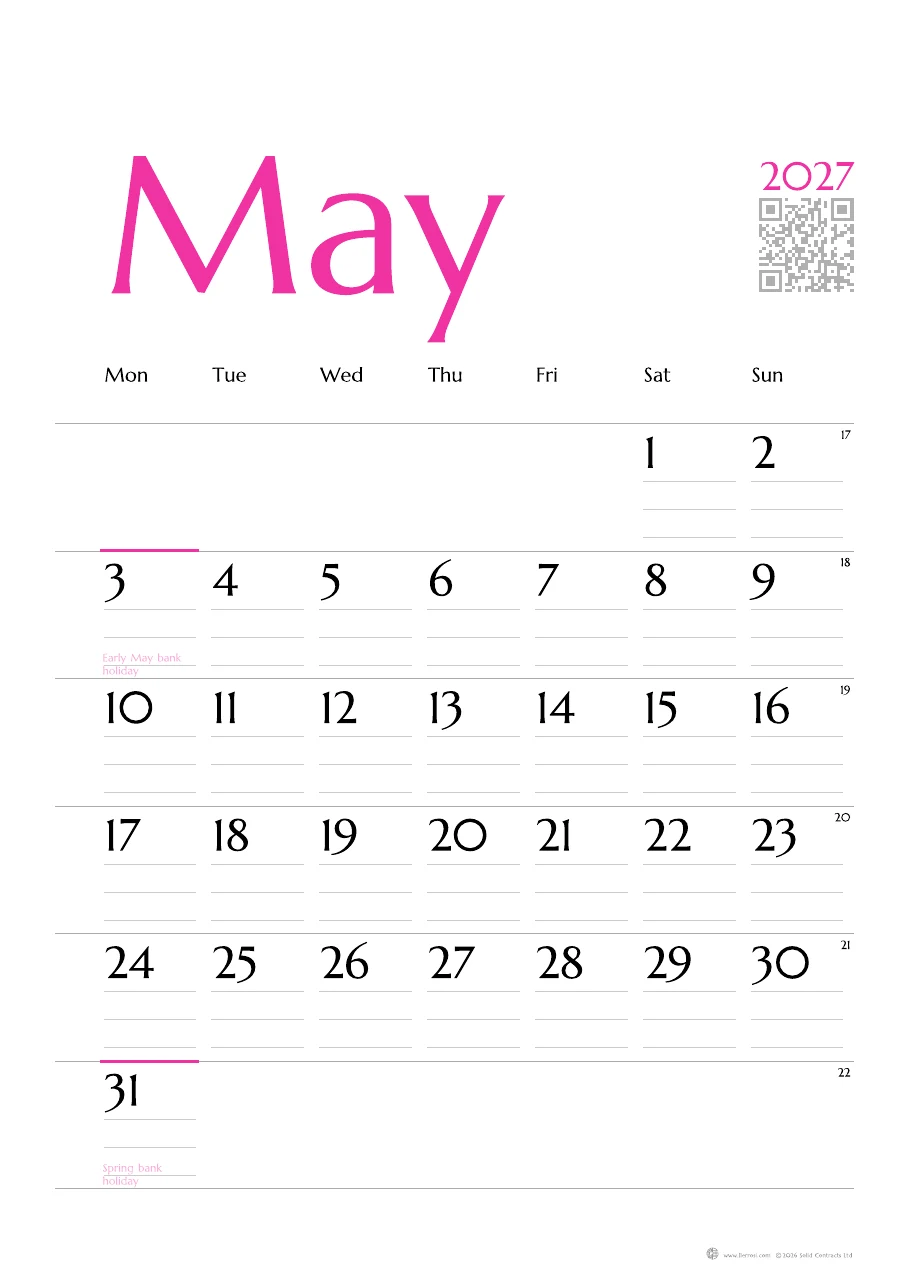
Photograph the calendar, diary or planner you already use, or scan the code on one of ours.
Classic is free for good, with no card needed.
Open this monthWrite it on the wall. Read it on every phone.
Twelve months of Premium come with every printed calendar.
Who’s it for?
For couples
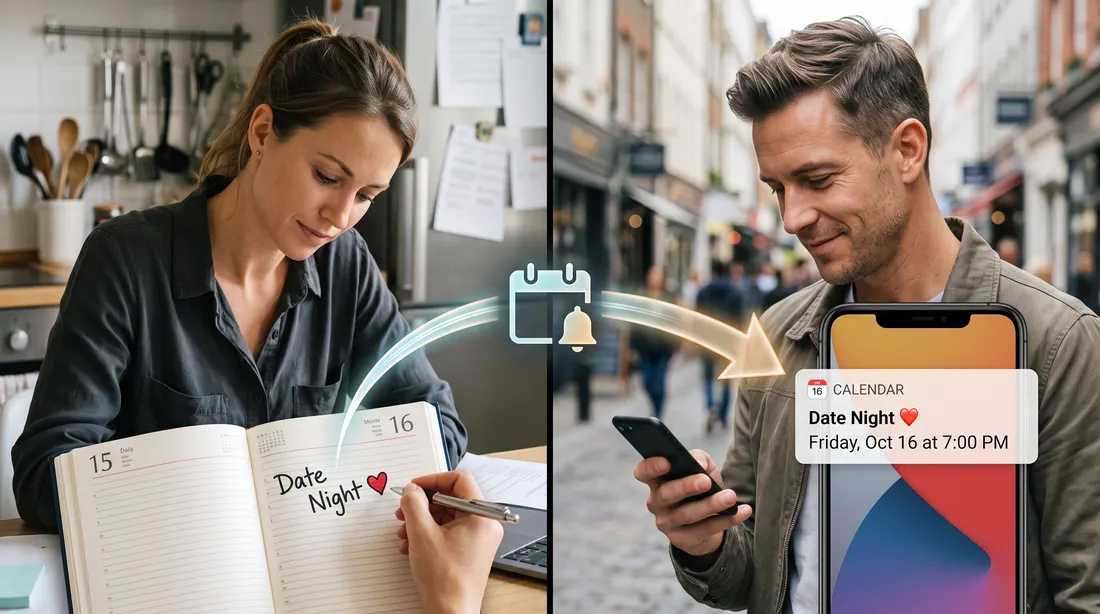
Photograph the wall calendar, diary or planner, and the new dates reach his phone without him having to ask.
With Premium, new dates are pushed regularly, every day.
Where to start
Have a calendar or diary already?
Photograph the calendar, diary or planner you already use, or scan the code on one of ours.
Classic is free for good, with no card needed.
Open this monthRather design your own?
Choose the paper, layout, typeface and colour, with your family’s dates printed on the page.
Every printed calendar comes with twelve months of Premium for up to six people.
Design a calendarHow it works
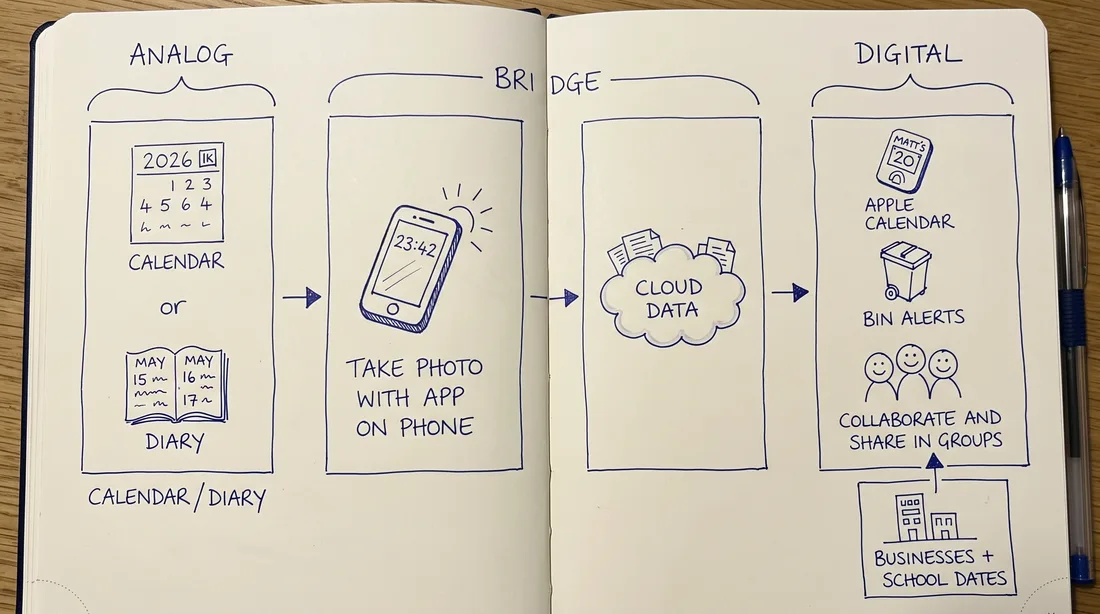
Write on it as you always have, where the whole family sees it every day.
Its code opens that month in your phone’s browser, with no password to remember.
The new writing comes back as dates for you to tick, and nothing is saved until you do.
Designs
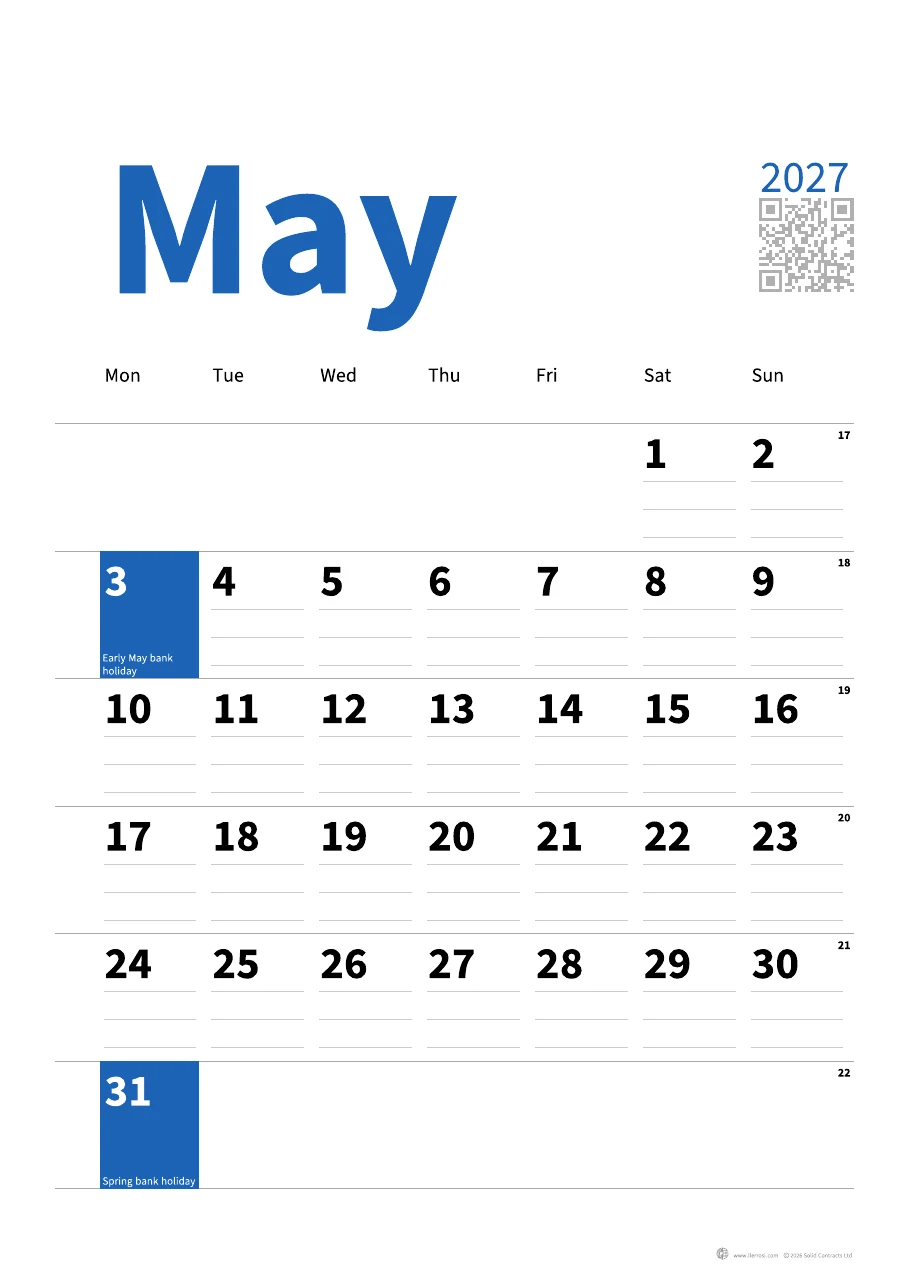
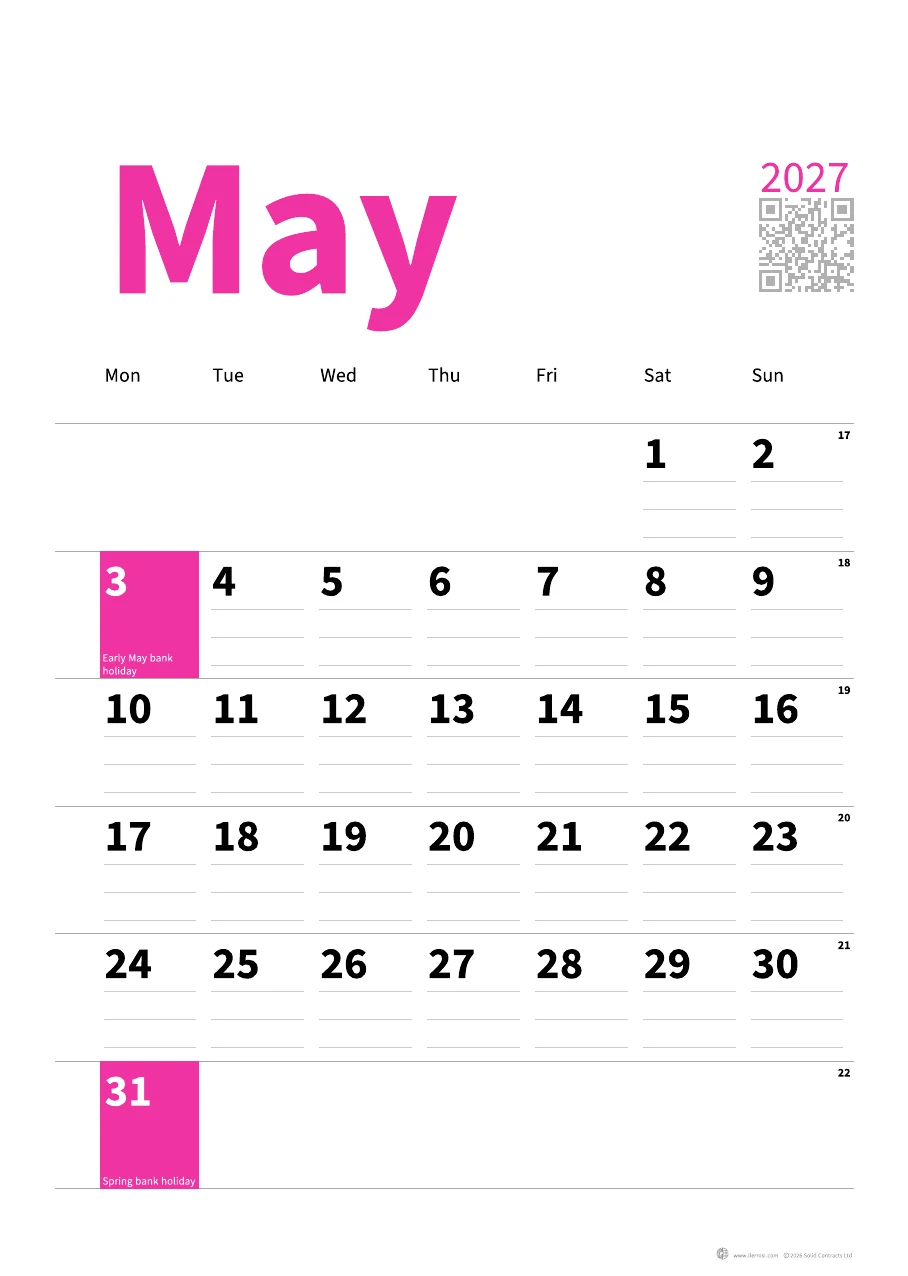
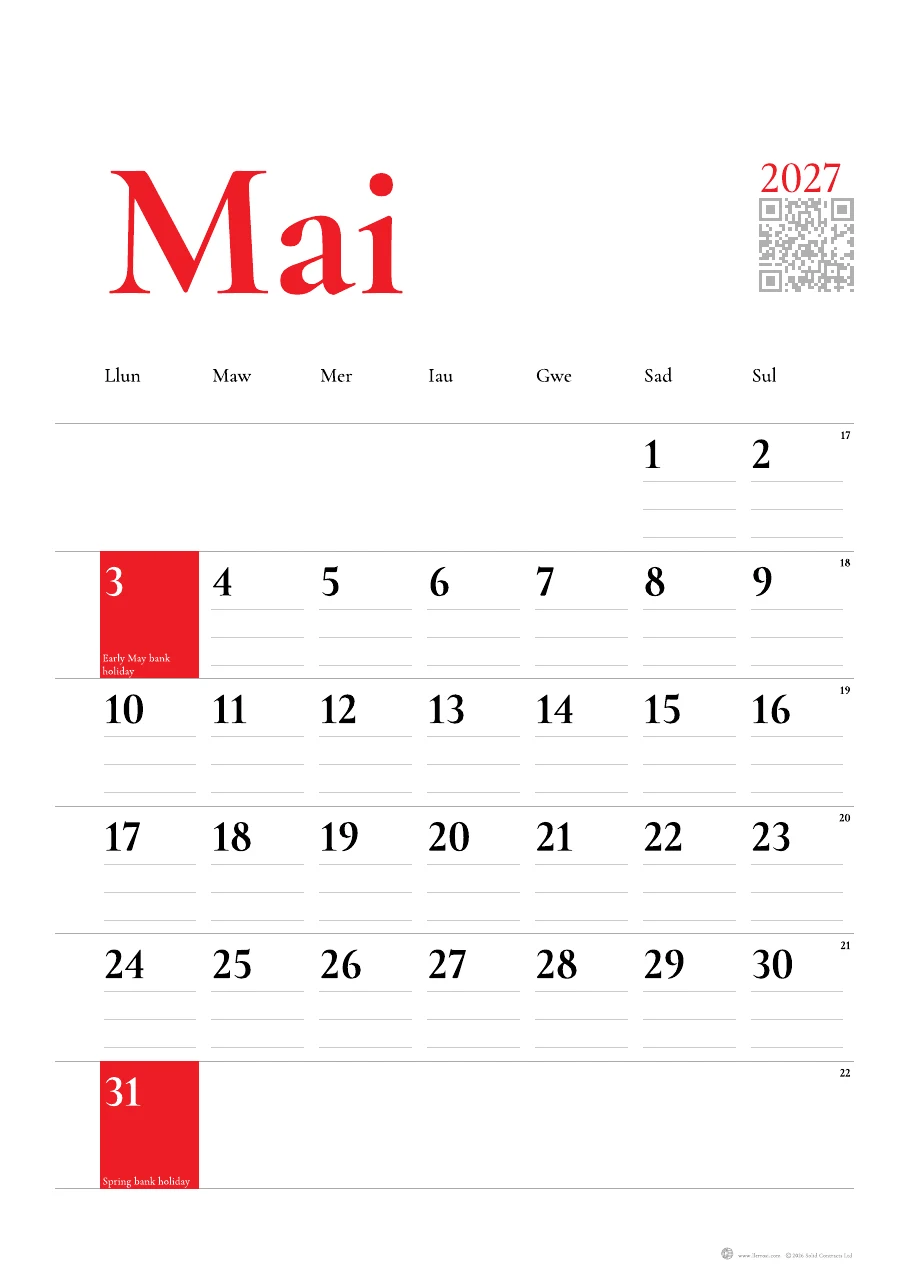
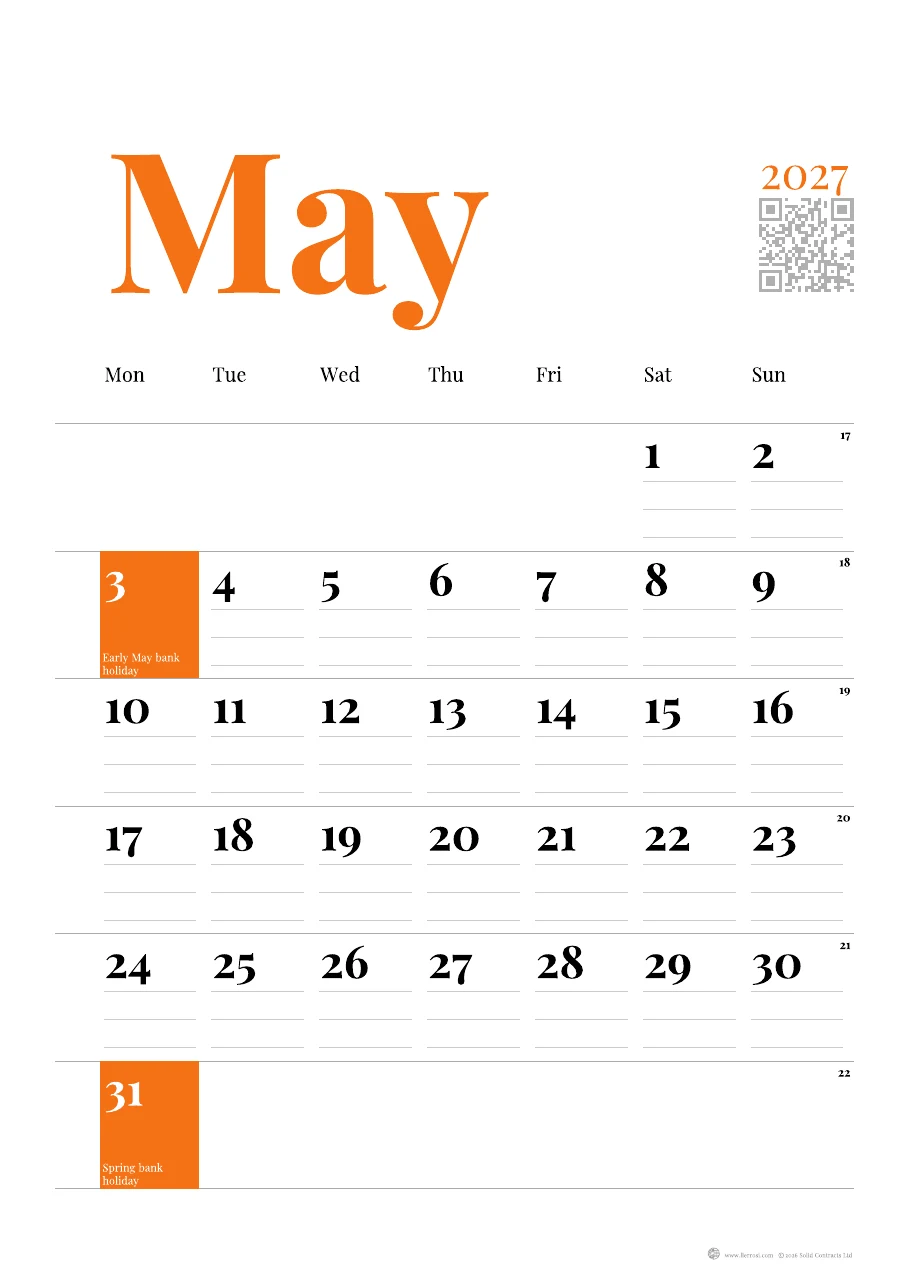
Portrait or square, a month or half a month a page, in the typeface and colour you choose.
Plans
Classic is free for good, and Premium adds what costs us to run.
Every plan includes
Organise your life
Free for good
No card needed.
Start free →Limited monthly access to Premium
Your wall calendar, digital
£19.99 /year
A twelve-month subscription, or £5 a month.
£29.99 with a printed calendar, on Amazon.
Ask your calendar
Coming soon
Nothing to buy yet.
Coming soonPremium is a 12-month subscription, has no hidden charges and does not auto-renew.
Our privacy promise
Questions
No: each month’s code opens a web page, which you can add to your Home Screen like an app.
No: Classic is free for everyone, and one calendar’s Premium covers you and up to five more people.
The digital twin learns your family’s own breaks from your dates first, and uses the council’s only as a guide.
Turn them on in Account, and on an iPhone add the page to your Home Screen first so it can send them.
Google’s reader turns the writing into text, and the photo is then discarded.
Only the people in its group, and any phone calendar one of them adds it to.
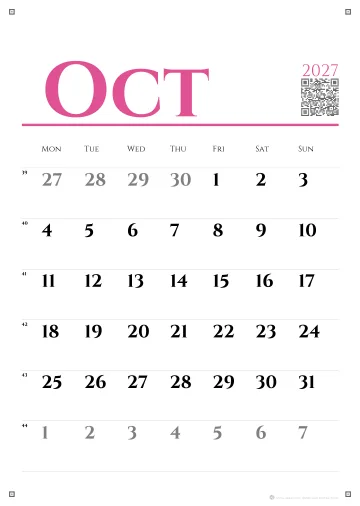 Cinzel in pink
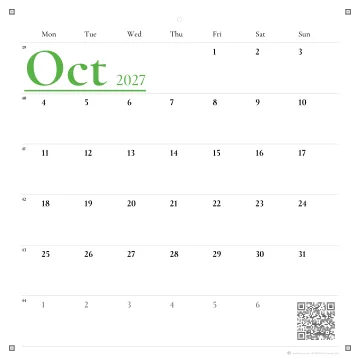 Garamond in green
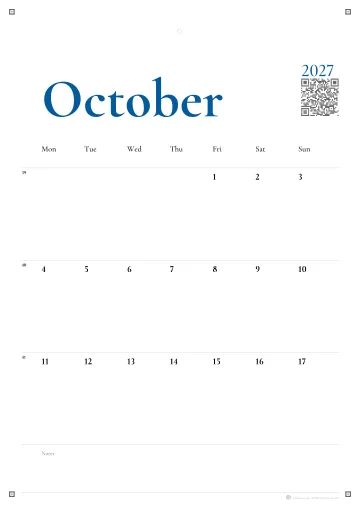 Garamond in blue
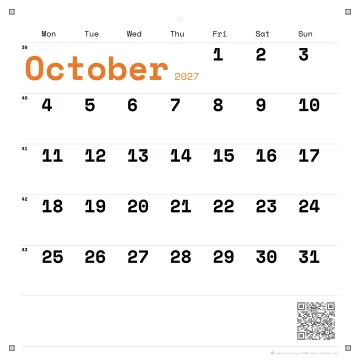 Space Mono in orange